A subway departure board for my wall (TRMNL + MTA)
An e-ink screen by the door that shows the weather and, for the two stations near me, the next trains with the time I have to leave to catch them. Code and setup guide included.
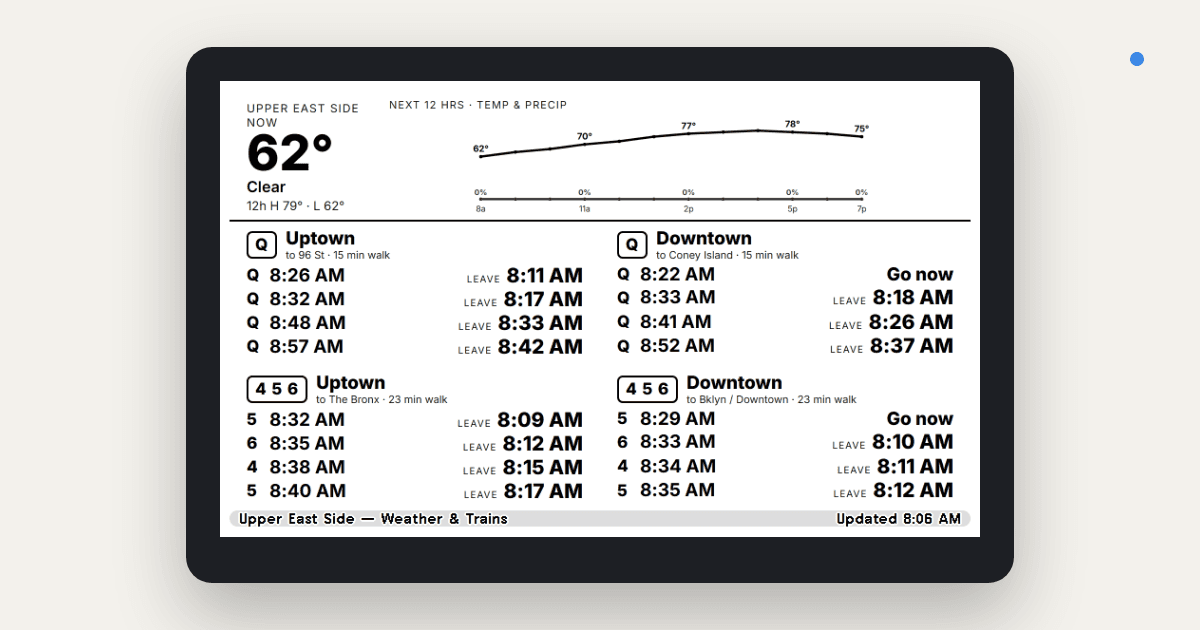
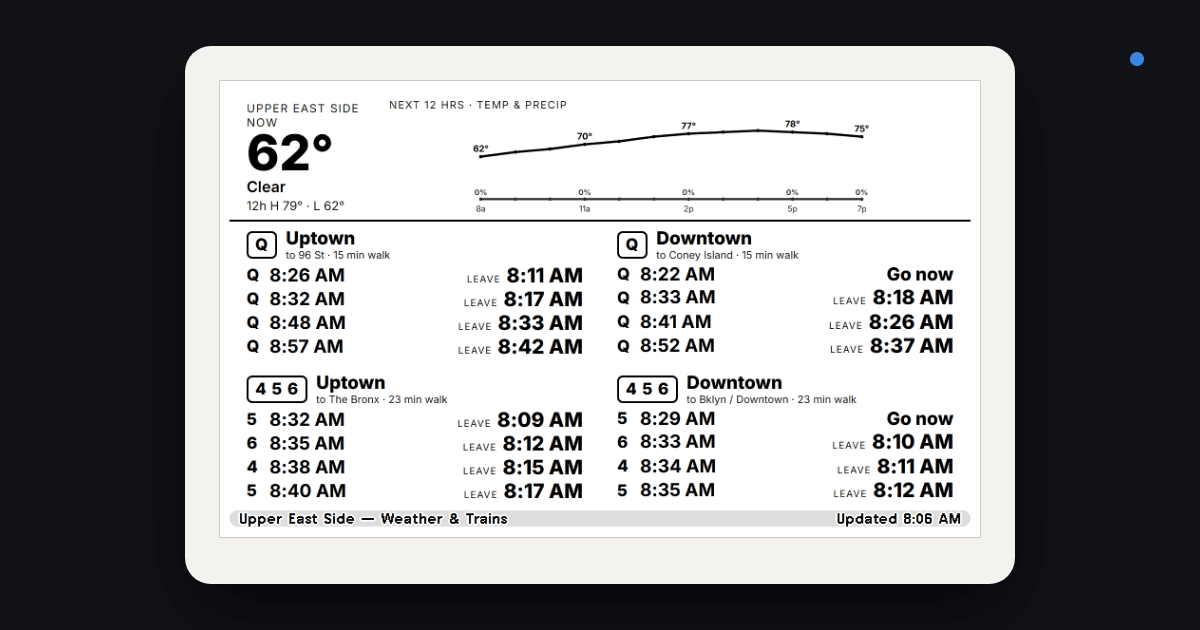
A small e-ink screen by the door that answers two questions every morning: what's the weather, and when do I have to leave to make the next train. Code is at RamKPrasanna/trmnl-nyc-subway.
The device
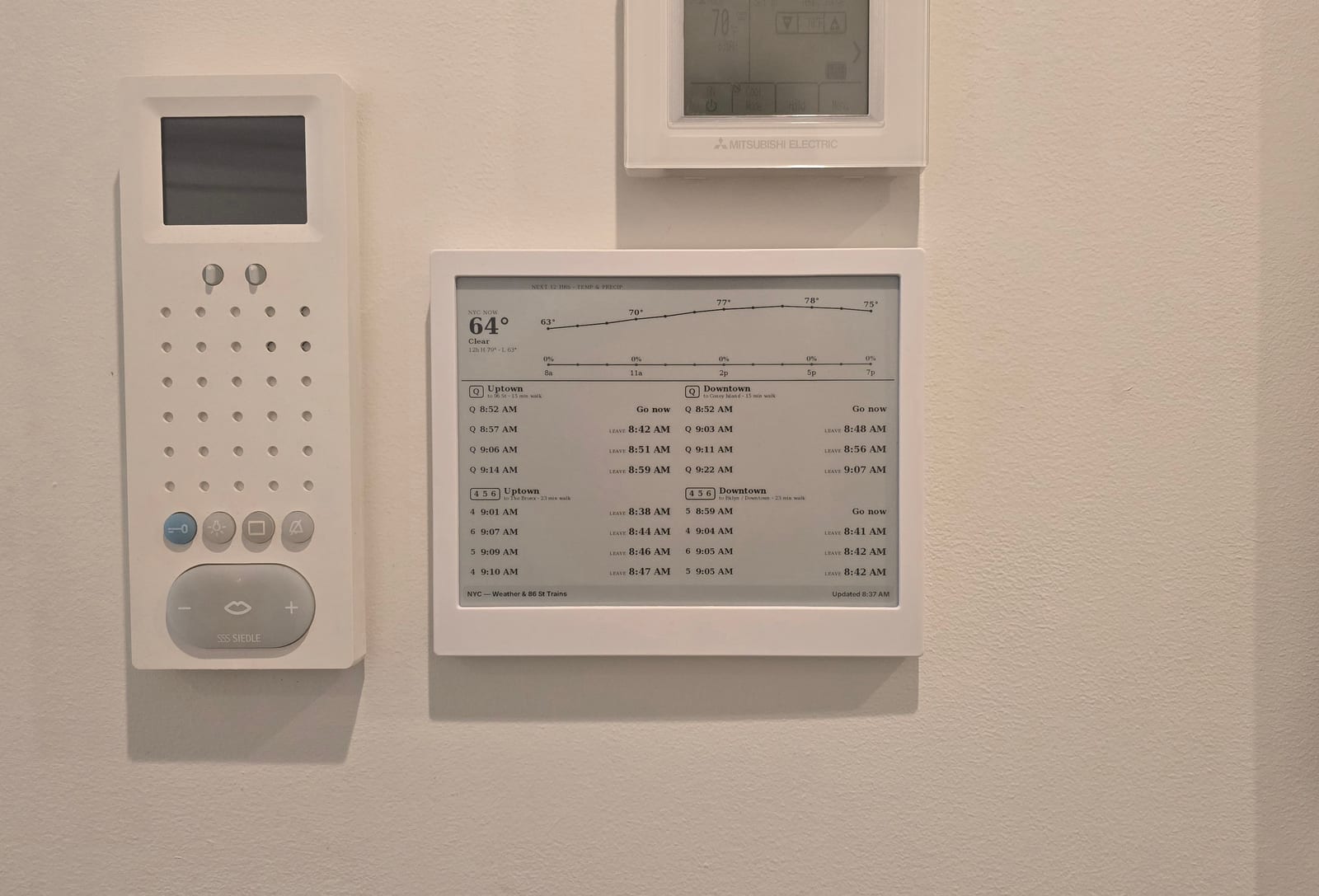
TRMNL is a 7.5-inch, 800×480 black-and-white e-ink display in a small frame. It has no touchscreen and runs no apps. On a schedule you pick, it wakes up, downloads the next image from the TRMNL server, draws it, and goes back to sleep. Because it does so little, a charge lasts months and the screen reads like paper.
The images come from plugins. Stock ones cover calendars, weather, stocks, and RSS. A private plugin is one you write: give TRMNL a URL that returns JSON and a page of Liquid markup, and it renders your markup with your data. Each render is an HTML page turned into a 1-bit image, so the design rules are simple. Black, white, and whatever fits in 800×480.
The project
I live on the Upper East Side and the closest subway lines are the yellow and green lines. First, I wanted to create a widget that told me the schedule for these two lines. Second, I wanted to know when to leave my apartment for a given line. Lastly, I wanted to add a weather widget as well that displayed temperature and chance of precipitation in the next 12 hours.
The screen has two parts:
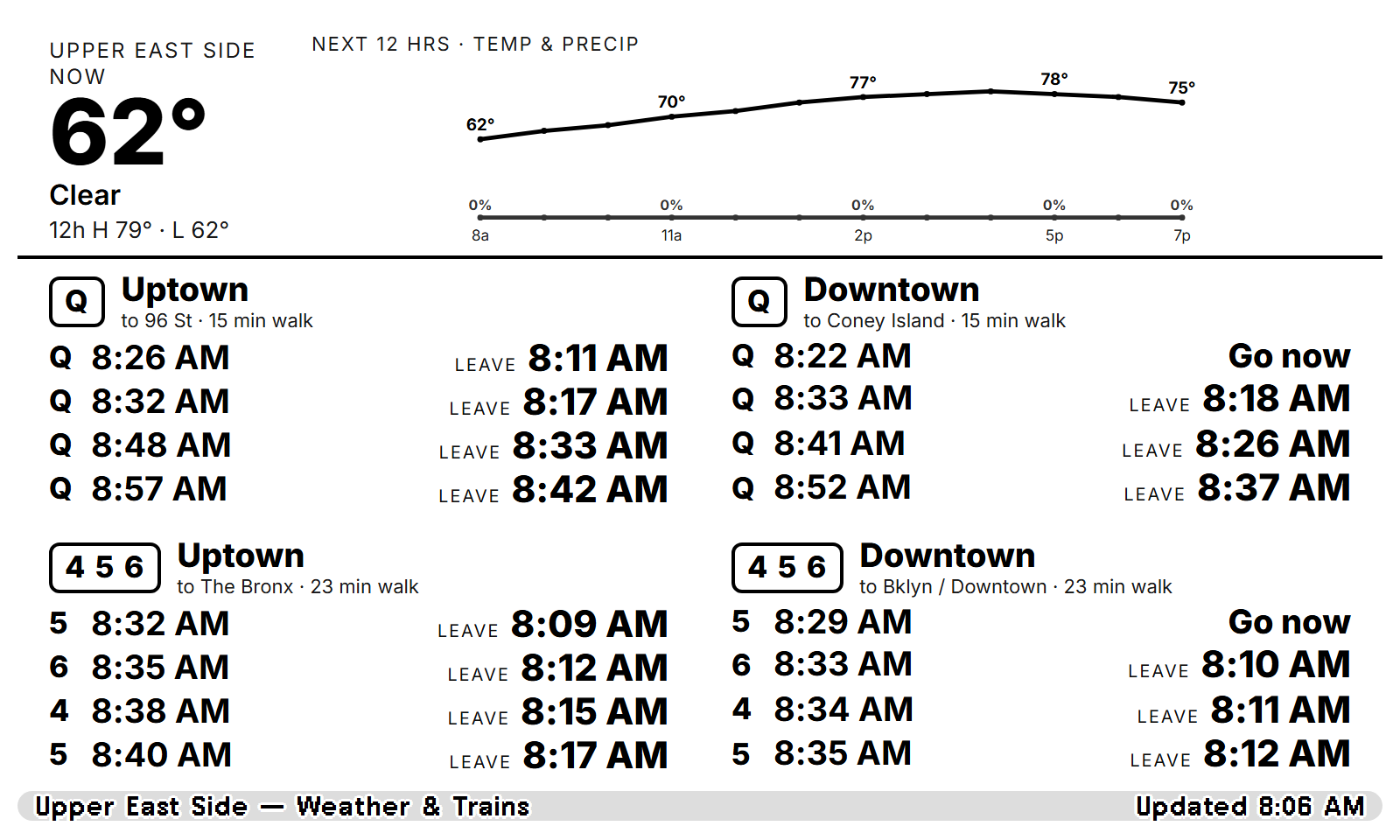
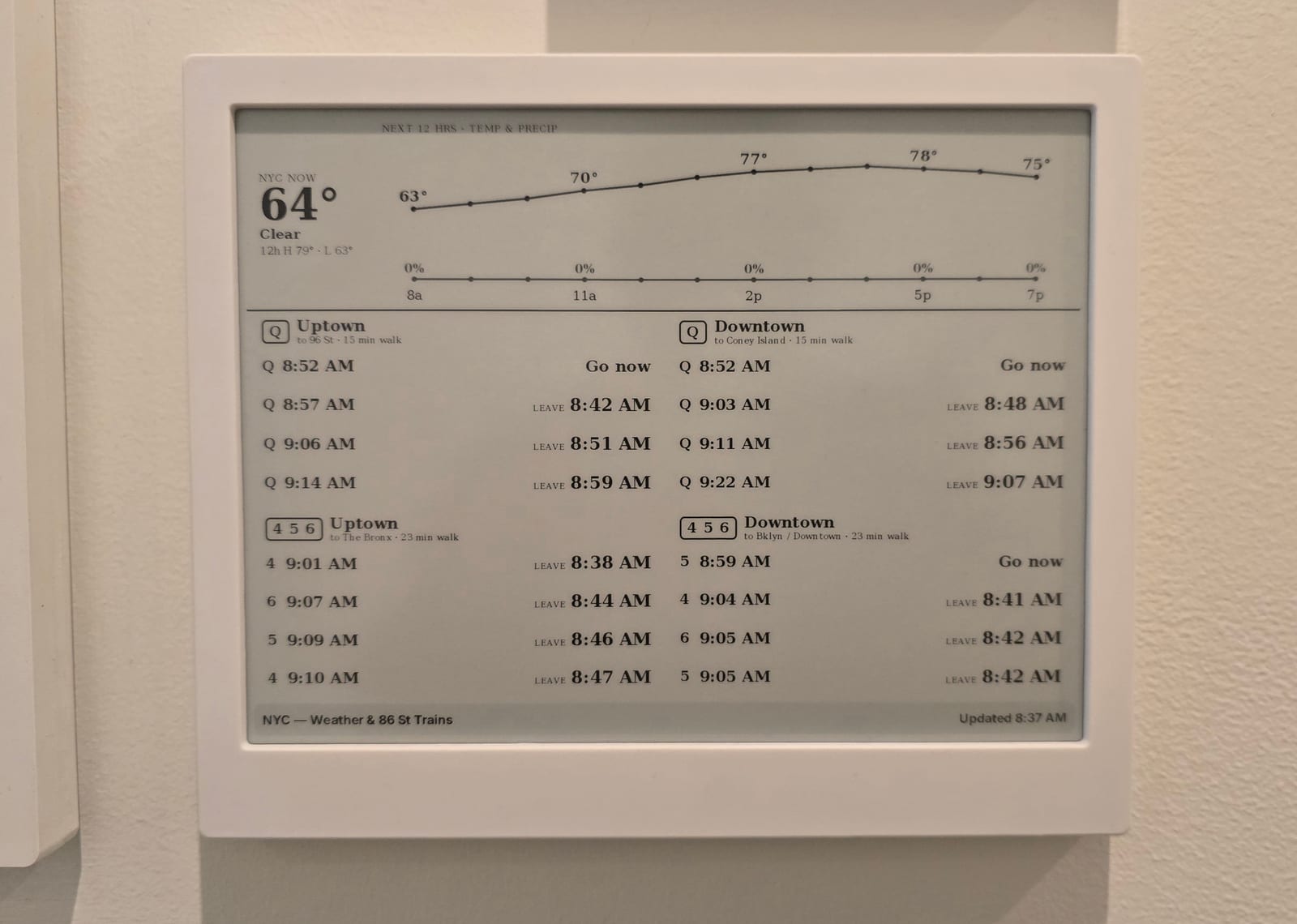
- Top third, weather. Current temperature and conditions, plus a 12-hour chart with temperature on top and precipitation probability below.
- Bottom two-thirds, trains. A 2×2 grid: each station in each direction. Each row is a train, with the time it reaches the platform on the left and the time I need to leave on the right. That is just the arrival minus my walk time, with trains I can't make anymore filtered out. If the leave time has arrived, the row says Go now.
Here is the widget, rendered from live MTA and weather data on a Friday morning:
And the same thing on the actual screen half an hour later:
The board shows clock times (8:26 AM) instead of countdowns on purpose. A screen that
refreshes every 5 minutes can't show "in 4 min" honestly. "Train at 8:26, leave at
8:11" stays true until it happens.
How it works
TRMNL private plugins can only poll JSON, XML, or plain text. The MTA publishes its real-time feeds as GTFS-Realtime protobuf, which the device can't read. A small serverless function sits in between:
The function fetches the two MTA feeds, decodes them, keeps the four stop ids I care
about (Q05N/Q05S, 626N/626S), applies the walk time, and returns the next four
catchable trains per direction. It also fetches the forecast and precomputes the SVG
coordinates for the chart, so the Liquid template only draws lines. No API keys are
needed for either source.
Anything personal, like where the weather is measured and how far I walk, comes from environment variables. The repo has nothing about my location in it.
Set it up yourself
The README has the full guide. The short version takes about fifteen minutes:
- Clone and configure.
git clonethe repo andnpm install. Inconfig.js, set your two stations (GTFS stop id plusNorSfor direction) and your walk time to each.npm run test:localprints the live JSON. - Deploy.
vercel --prodon the free tier. SetWEATHER_LAT,WEATHER_LON, andWALK_MINUTES_*as environment variables if you'd rather not commit them. - Create the plugin. In TRMNL: Plugins, Private Plugin, strategy Polling. Paste
your
…vercel.app/api/departuresURL and set a 5 to 15 minute refresh. - Paste the markup. Copy
trmnl/markup.liquidinto the Full layout, save, Force Refresh, and add it to your playlist.
Any NYC subway station works; all seven MTA feeds are listed in config.js. Open-Meteo
covers the whole world if you're not in New York.
Code: github.com/RamKPrasanna/trmnl-nyc-subway (MIT).