RamBot: texting my Mac mini
I text my Mac mini and Claude does the work. When it finishes or gets stuck, it texts me back.
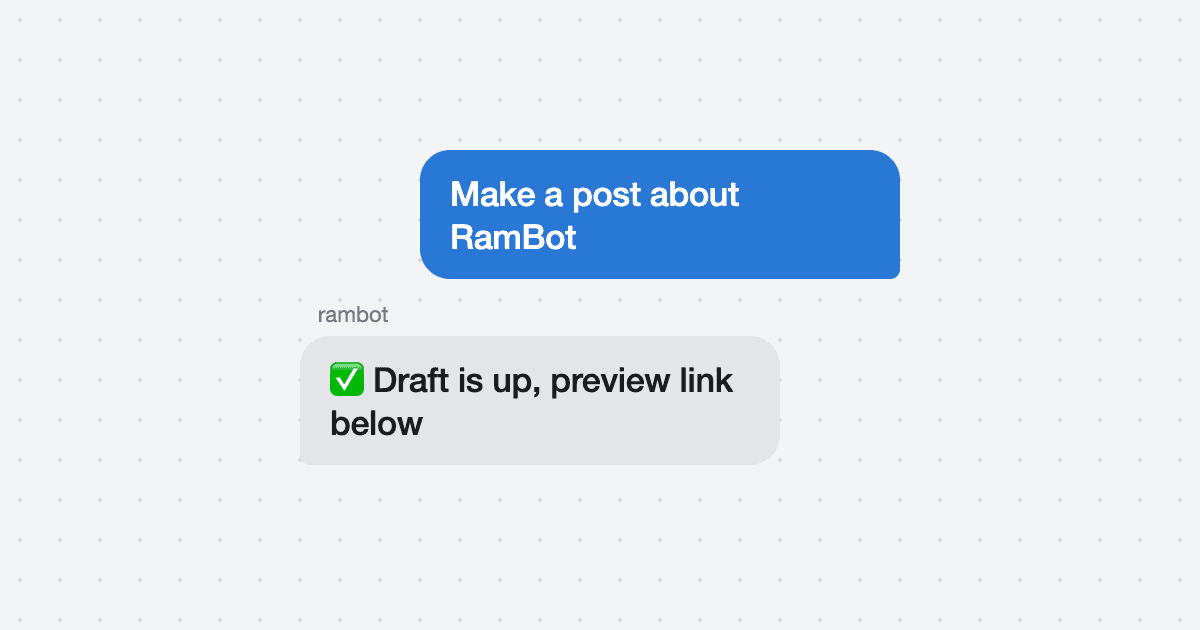
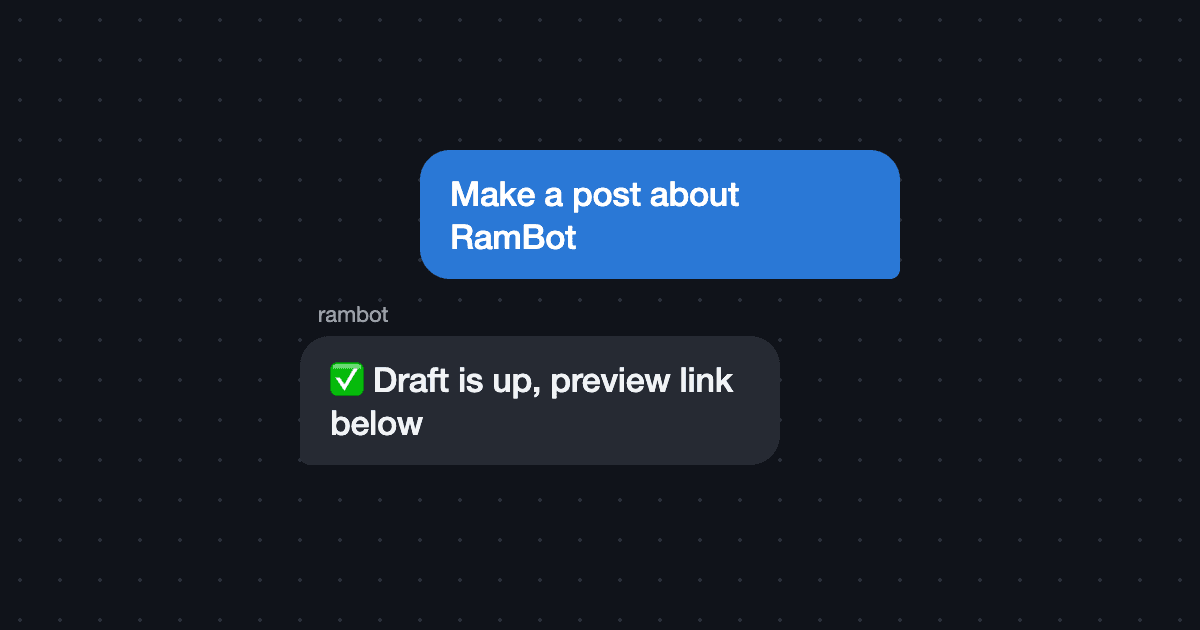
RamBot is how I run Claude Code from my phone. Messages on my always-on Mac mini is signed into its own Apple ID, so it shows up as a contact called rambot. I text it, a Claude chat does the work, and it texts me back.
How it's set up
- Out. When a chat finishes or needs me, a hook asks Haiku for a short summary, adds ✅ or ❓ and a #tag, and Messages sends it.
- In. A watcher reads new texts every few seconds and checks who sent them.
- People. RamBot can text anyone I choose, one on one or in a group I set up, like a group chat with a couple of friends. Each person or group gets its own permissions: what they can ask for, which project they can touch, and whether they have to say "rambot" first. I have full control.
- Routing. A #tag or a chat's name sends the text to that chat. Anything else goes to a catch-all chat called RamBot.
- Memory. Every text lands in a shared log, so any chat knows what was said.
Why it's useful
Links. Getting a link onto the Mac used to mean opening Jump Desktop, finding the right window and pasting it across. Now I share it to rambot like any other text and the chat has it.
Photos, videos and voice notes. I text them straight in. They land in an inbox on the Mac: photos as they are, voice notes transcribed, videos as a strip of frames plus a transcript of the audio. A screenshot of a bug is often the whole request.
The right chat. Everything goes to one thread. A #tag or a chat's name sends the text to that project's chat, anything else goes to RamBot, and a new topic gets a new chat of its own.
Other people, on my terms. I can add rambot to a group chat and decide what each person gets: replies only, questions, or running things inside one project. Anything outside that comes to me first.