The iPhone Duo as a remote desk
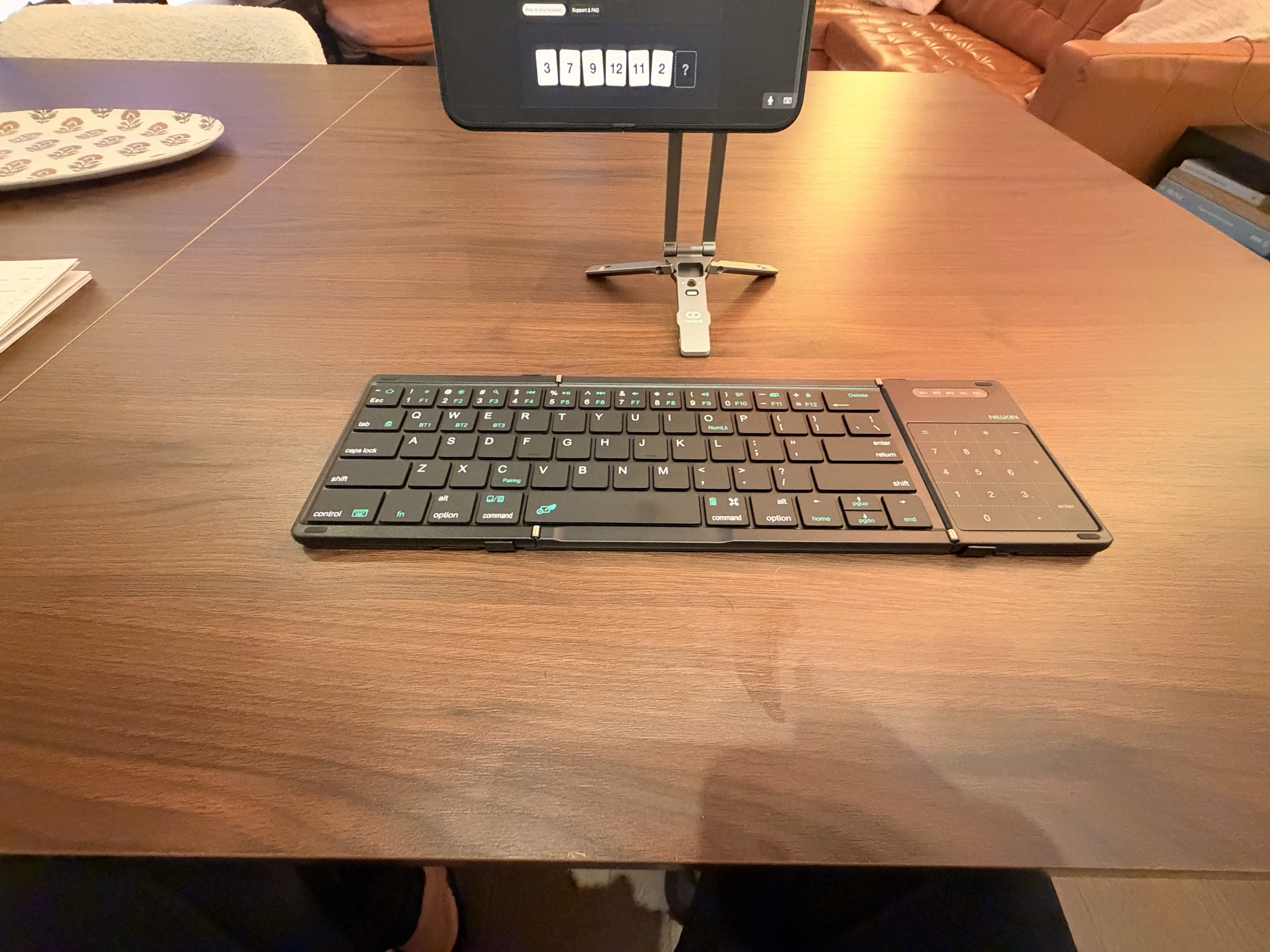
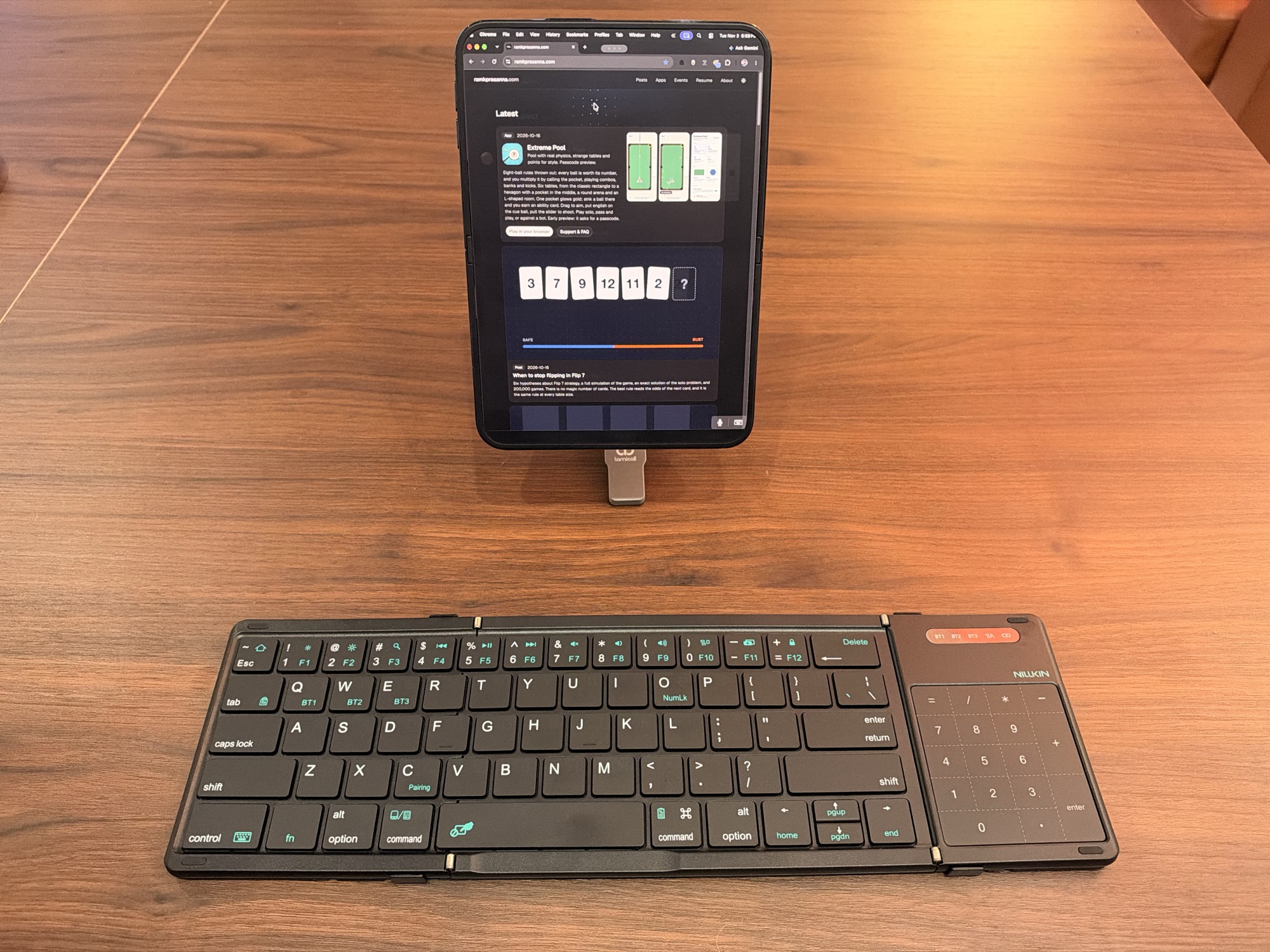
A folding keyboard, a small tripod and the iPhone Duo's inner screen. With Jump Desktop it's a full Mac desk, for my Mac mini at home and my work MacBook Air.
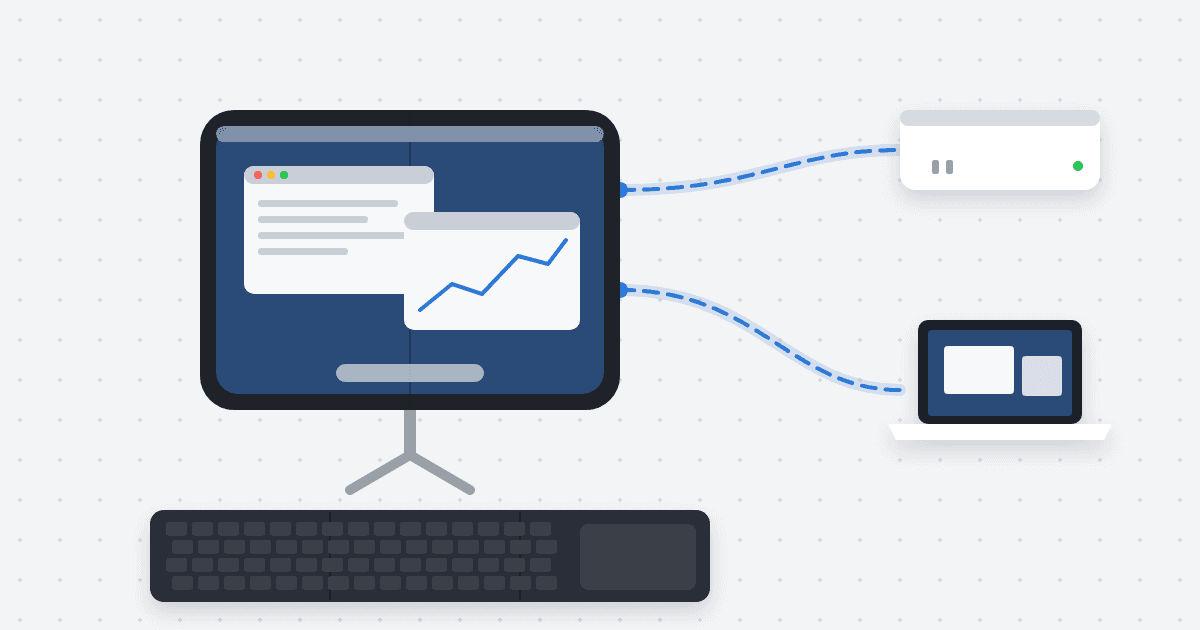
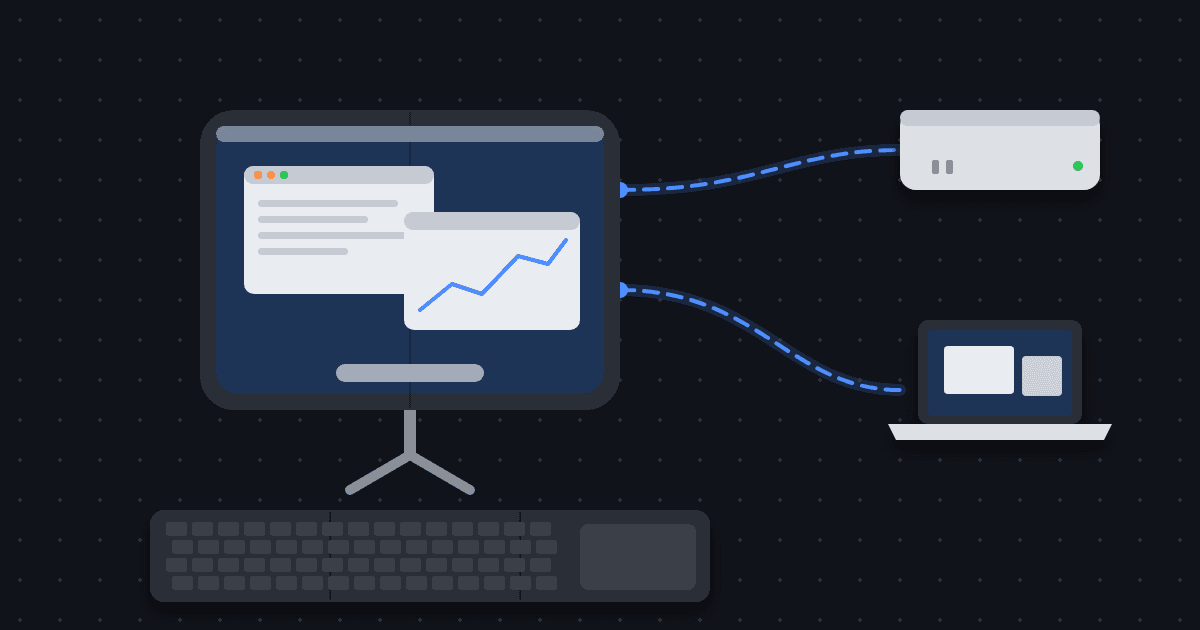
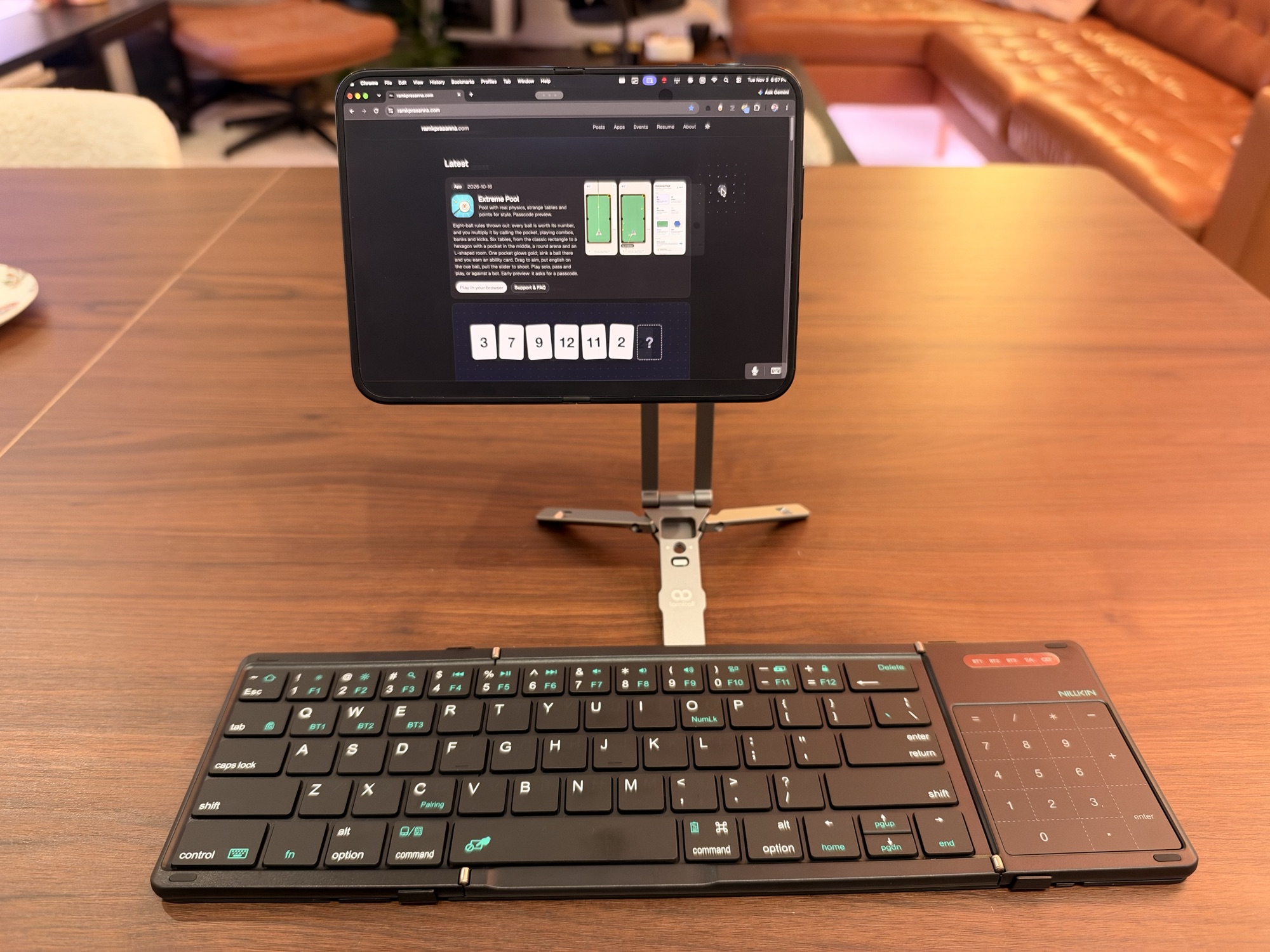
The iPhone Duo opens to a screen big enough to work on. Propped on a tripod with a folding keyboard in front, it runs Jump Desktop into my Mac mini at home or my work MacBook Air. The whole kit is small enough to carry anywhere. How the Mac mini side is set up is in The Mac mini that never sleeps.
The setup
- iPhone Duo. Unfolded, the inner screen is the monitor, in landscape or portrait.
- Jump Desktop. Same app as on my iPad. One saved computer for the Mac mini, one for the work MacBook Air. Each opens to the full Mac desktop with the menu bar, Dock and keyboard shortcuts.
- Nillkin foldable keyboard. Bluetooth, full-size keys, folds in three. The right panel is a trackpad that turns into a numpad. It pairs with three devices (BT1 to BT3 on the keys).
- Lamicall MagSafe tripod. Aluminum, snaps onto the back of the phone by magnet, and the legs fold flat. The stem extends, so the screen can sit low on a table or up near eye level.
Why this keyboard
Before this I used the Samsers foldable keyboard. It's smaller, which is nice in a bag. The Nillkin has better keys and a bigger trackpad, and over a remote desktop the trackpad is how I get around, so it fits how I work better.
Making the trackpad work
Out of the box the keyboard's trackpad didn't drive the remote Mac properly. Three settings fix it, and I'd call them essential.
-
Jump Desktop: use DirectTouch. In Jump on the iPhone Duo, set the Gesture Profile to DirectTouch.
-
Turn on AssistiveTouch while the keyboard is in use. Settings → Accessibility → Touch → AssistiveTouch.
-
Automate it with Shortcuts. I don't want AssistiveTouch on when I'm just using the phone, so two automations handle it. In Shortcuts → Automation → Bluetooth, pick the keyboard:
- Is Connected: Set AssistiveTouch to On.
- Is Disconnected: Set AssistiveTouch to Off.
Set both to run immediately. Turn on the keyboard and the trackpad just works.
Two Macs, one screen
The Mac mini is on my Tailscale network, so Jump reaches it from anywhere, on Wi-Fi or cellular. The work MacBook Air is a second saved computer in the same app, so the same desk reaches either one.